
 Brett Langdon
861aa4b4ae
Brett Langdon
861aa4b4ae
|
7 years ago | |
|---|---|---|
| .. | ||
| README.md | 7 years ago | |
| dircycle.plugin.zsh | 7 years ago | |
README.md
dircycle
Plugin for cycling through the directory stack
This plugin enables directory navigation similar to using back and forward on browsers or common file explorers like Finder or Nautilus. It uses a small zle trick that lets you cycle through your directory stack left or right using Ctrl + Shift + Left / Right . This is useful when moving back and forth between directories in development environments, and can be thought of as kind of a nondestructive pushd/popd.
Enabling the plugin
-
Open your
.zshrcfile and adddircyclein the plugins section:plugins=( # all your enabled plugins dircycle ) -
Reload the source file or restart your Terminal session:
$ source ~/.zshrc
$
Usage Examples
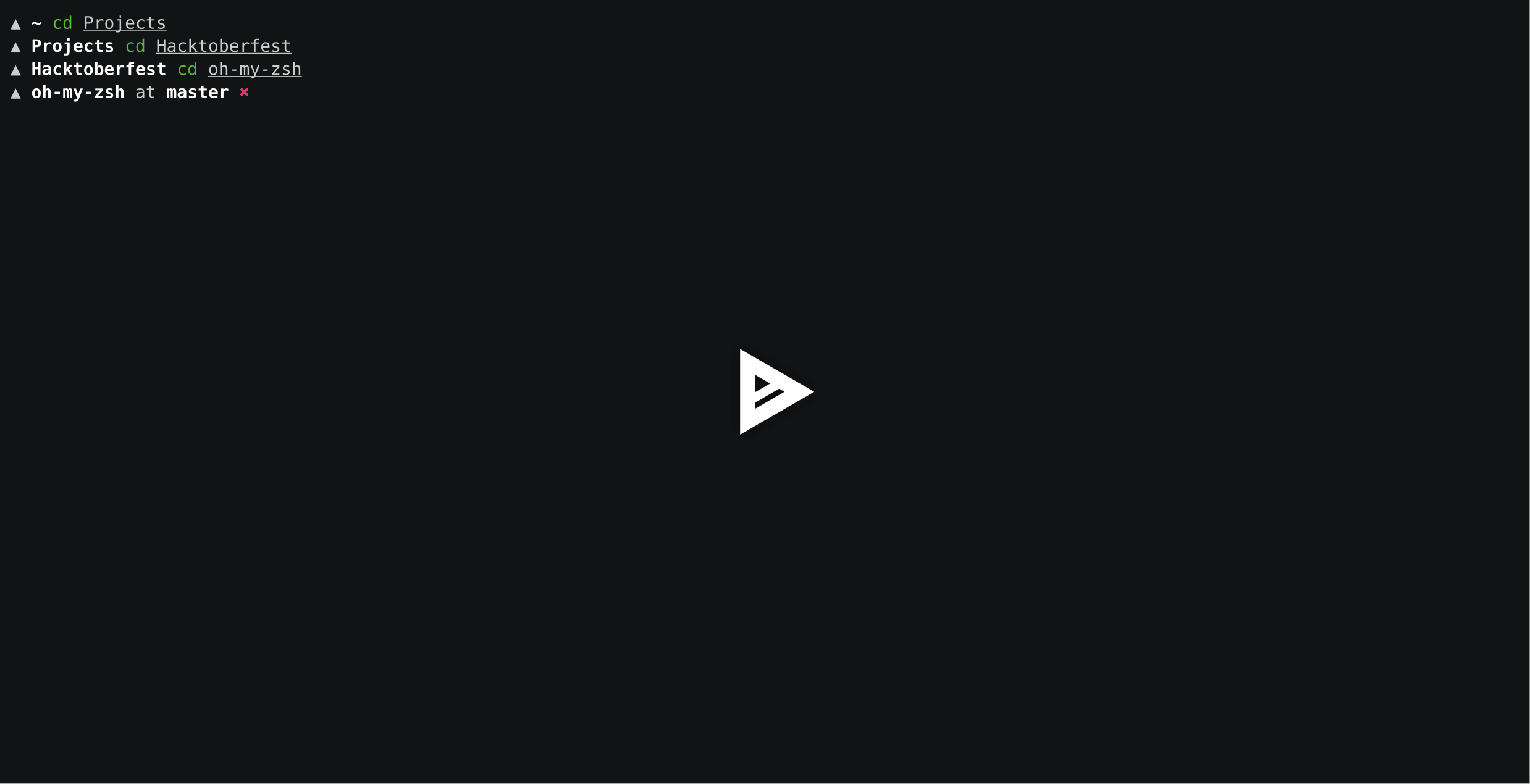
Say you opened these directories on the terminal:
~$ cd Projects
~/Projects$ cd Hacktoberfest
~/Projects/Hacktoberfest$ cd oh-my-zsh
~/Projects/Hacktoberfest/oh-my-zsh$ dirs -v
0       ~/Projects/Hacktoberfest/oh-my-zsh
1       ~/Projects/Hacktoberfest
2       ~/Projects
3       ~
By pressing Ctrl + Shift + Left, the current working directory or $CWD will be from oh-my-zsh to Hacktoberfest. Press it again and it will be at Projects.
And by pressing Ctrl + Shift + Right, the $CWD will be from Projects to Hacktoberfest. Press it again and it will be at oh-my-zsh.
Here's a example history table with the same accessed directories like above:
Current $CWD |
Key press | New $CWD |
|---|---|---|
oh-my-zsh |
Ctrl + Shift + Left | Hacktoberfest |
Hacktoberfest |
Ctrl + Shift + Left | Projects |
Projects |
Ctrl + Shift + Left | ~ |
~ |
Ctrl + Shift + Right | Projects |
Projects |
Ctrl + Shift + Right | Hacktoberfest |
Hacktoberfest |
Ctrl + Shift + Right | oh-my-zsh |
oh-my-zsh |
Ctrl + Shift + Right | ~ |
Note the last traversal, when pressing Ctrl + Shift + Right on a last known $CWD, it will change back to the first known $CWD, which in the example is ~.
Here's an asciinema cast demonstrating the example above:
Functions
| Function | Description |
|---|---|
insert-cycledleft |
Change $CWD to the previous known stack, binded on Ctrl + Shift + Left |
insert-cycledright |
Change $CWD to the next known stack, binded on Ctrl + Shift + Right |
Rebinding keys
You can bind these functions to other key sequences, as long as you know the bindkey sequence. For example, these commands bind to Alt + Shift + Left / Right in xterm-256color:
bindkey '^[[1;4D' insert-cycledleft
bindkey '^[[1;4C' insert-cycledright
You can get the bindkey sequence by pressing Ctrl + V, then pressing the keyboard shortcut you want to use.